
 2 fotos
Paxton
2 fotos
Paxton
Por encomenda
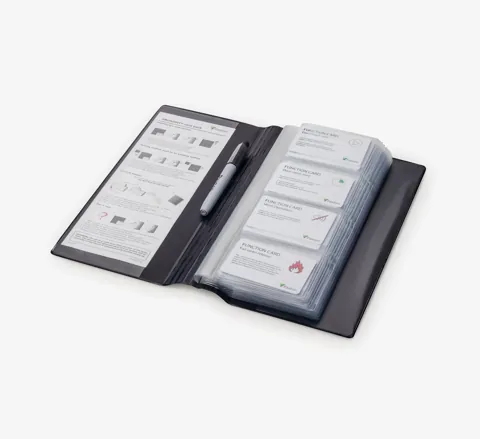
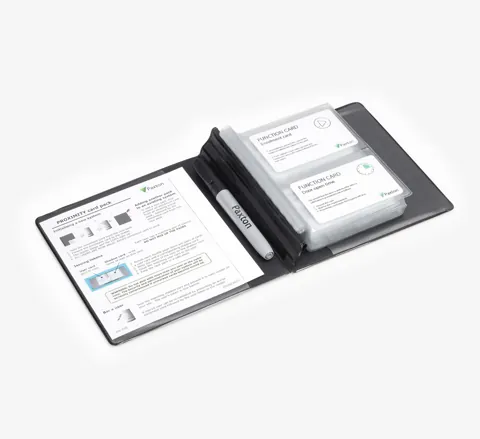
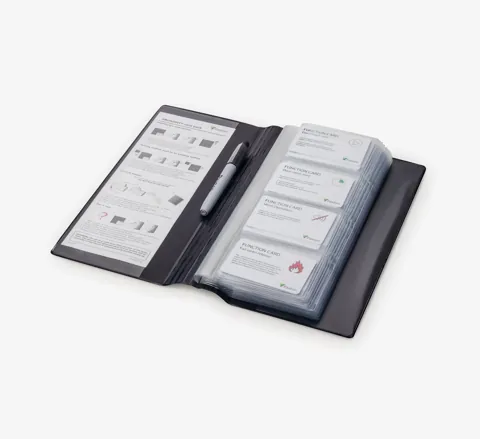
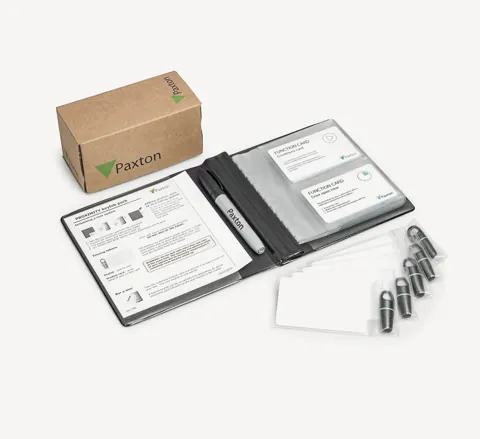
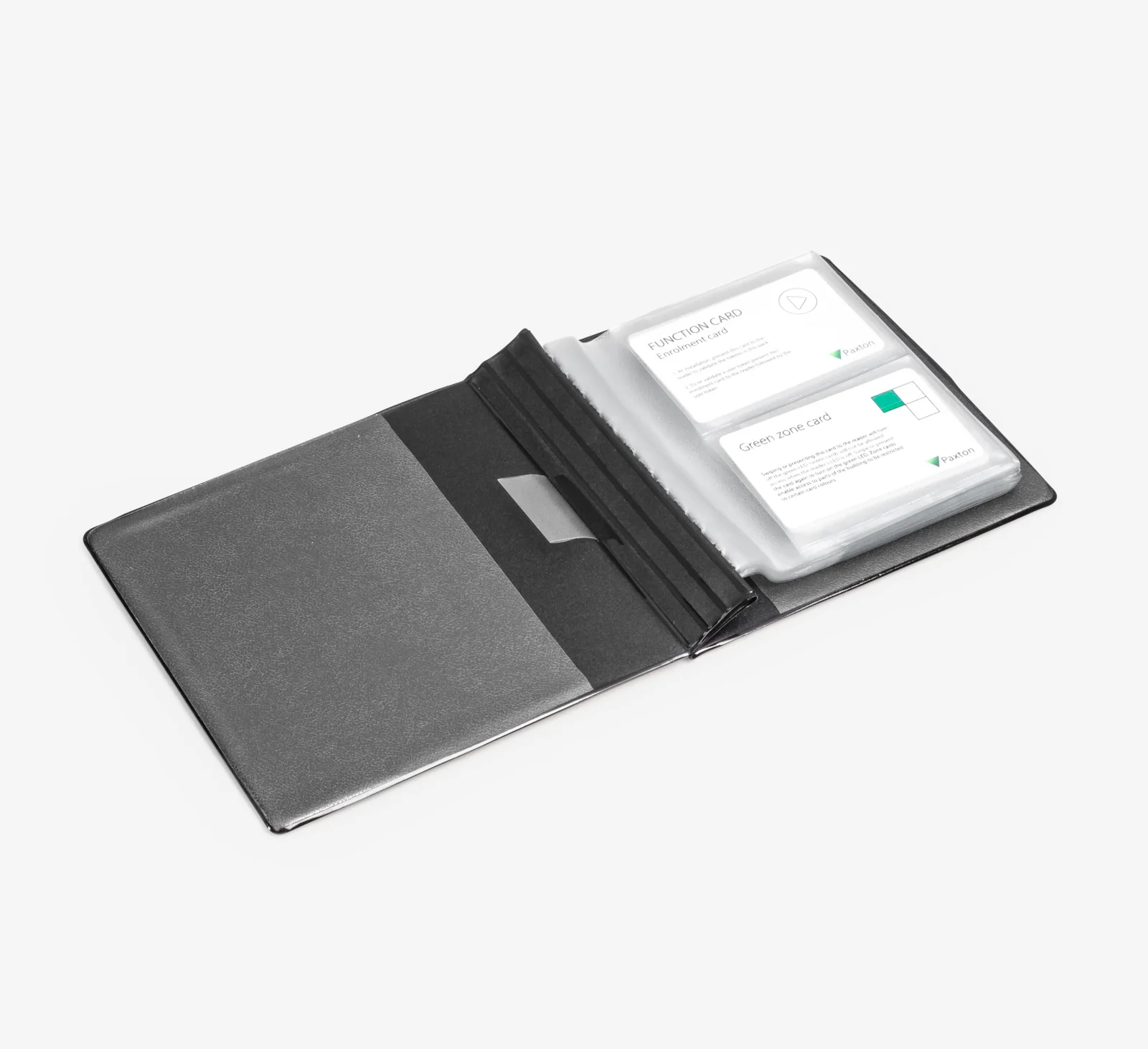
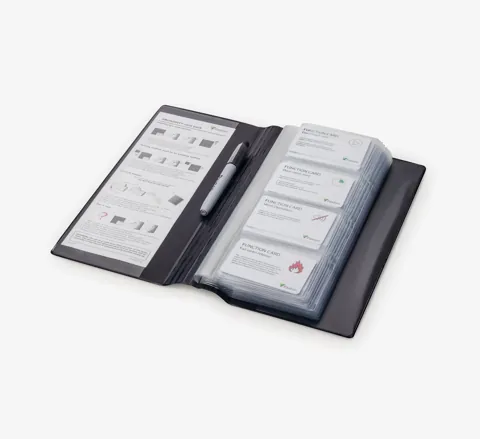
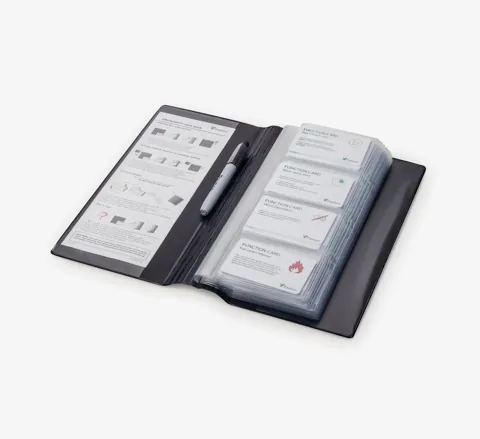
For use with Proximity compact and Switch2 systems. The function card pack unlocks the more advanced features of these systems.
Installation – The pack needs to be enrolled. This is done by presenting the enrolment card from the original card pack followed by the enrolment card in the function card pack.
Operation – The various cards in the pack are used to configure the different functions.
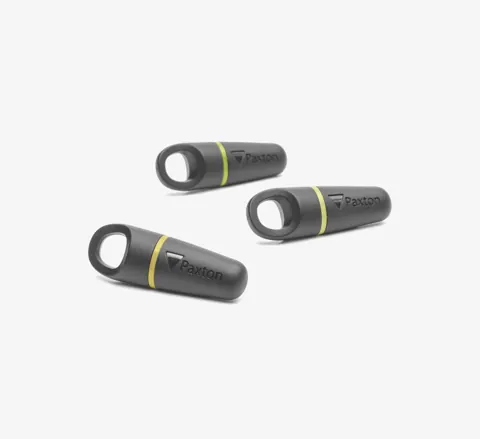
Zone cards: There are three zone cards – green, amber and red. Zoning restricts the access privileges of groups of users dependant on the colour of their token. Presenting any of the three zone cards to a reader will turn off the LED of that colour. Users with that colour user token will not be granted access. If the same zone card is presented again the LED will turn back on. This means that users with that colour token will be granted access.
Time zones: This function allows a coloured zone to be activated/deactivated by a time clock.
Remote release: This card returns a system from the time zones mode back to its default state, where the exit button contacts may be used for a press to exit button (compact systems only).
Bar all users: A freshly installed Proximity system will recognise and admit all users from the enrolled token packs. In some cases it may be more appropriate to start with all tokens invalid so they may be validated individually.
Card plus PIN: This allows Proximity and Touchlock systems to be connected to give card plus code access control (compact systems only).
2 fotos
Paxton
 Paxton
 Paxton
 Paxton
 Fale connosco